
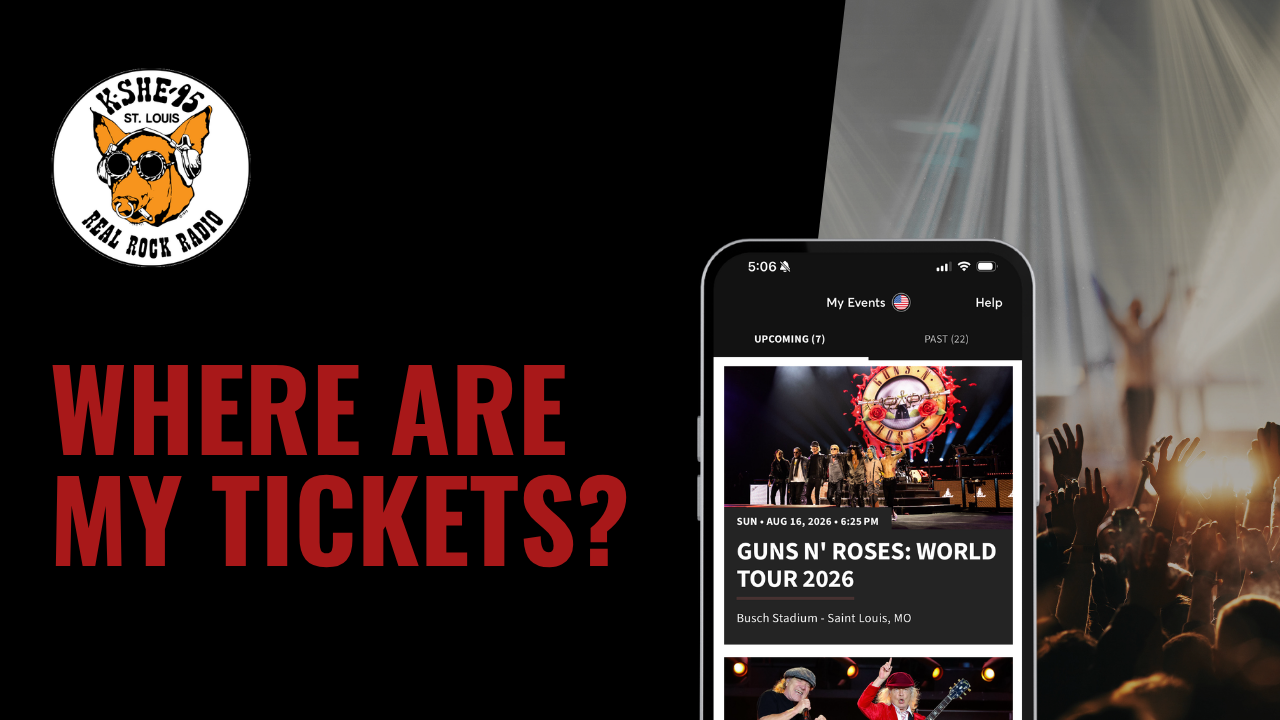
Where are my tickets?
If you’re having troubles finding your tickets, please read through this page to ensure you’ve completed all steps before reaching out to our Promotions Department:
What do I need to do to get my tickets?
- First, you must sign a Release Form to receive your tickets. Please read this form carefully as it explains that you must be following our Contest Rules.
Where’s my Release Form?
- Your Release Form is sent to your email address on file from KSHE 95’s “vprizecloset” – it’ll be titled “KSHE 95 | Reward Signed Document Request”
- Sometimes these emails automatically file to a Promotions, Focused, Social, or Spam folder
- Searching “KSHE 95,” “Reward Signed Document Request,” or the name of the artist/event usually helps
When will I get my tickets?
- Nowadays most tickets are digital, and unfortunately, we usually don’t receive tickets until right before the show, so they’re typically sent out 1-2 weeks before the day of the event. If you do not receive your tickets three days business days before your event, please reach out to the Promotions Department for further assistance.
How will I get my tickets?
- The days of picking tickets up at the station are gone since nowadays most tickets are digital (e-tickets). Most tickets will be sent to you via email to claim to your respective Ticket Manager Account – they must be claimed before they will show up in your account. Sometimes the ‘Claim Tickets’ button will appear in respective Ticket Manager Account app, but most times you’ll need to open the email to accept your tickets first. If you need to pick up your prize at the station, a station representative will let you know.
- What should I look for in my email?
- Ticketmaster transfers will say “Ticketmaster” in the header.
- Enterprise, Stifel Theatre, and St. Louis Blues ticket transfers will typically say “Customer Service” in the header
- Hollywood Casino Amphitheater transfers it will say “Live Nation Concerts” in the header
- Chaifetz Arena transfers will say “Chaifetz Arena” in the header
- Fabulous Fox and MetroTix transfers it will say “MetroTix Customer Service” in the header
- The Hawthorn and other various events will come in PDF form from a Hubbard Radio representative – look for the title or venue of your event
How do I know which Ticket Manager Account to use?
- This will mostly depend on where your event is located – check this list to help figure out which Ticket Manager Account you should be using:
- Ticketmaster Manager Account
- Arsenal BG Ballpark
- Busch Stadium (excluding St. Louis Cardinals – see below)
- Chesterfield Amphitheater
- Delmar Hall
- The Dome at America’s Center
- The Factory
- Family Arena
- Ozarks Amphitheater
- The Pageant
- River City Casino & Hotel
- Saint Louis Music Park
- T-Mobile Center
- Thunder Ridge Nature Arena
- Live Nation Manager Account
- Hollywood Casino Amphitheater
- Enterprise Center Account Manager (different from Ticketmaster Account)
- Enterprise Center
- St. Louis Blues (Additional information HERE)
- Stifel Theatre (or Stifel Ticketmaster Account Manager)
- Chaifetz Arena Account Manager
- Chaifetz Arena
- MetroTix Account Manager
- Alton Amphitheater
- The Fabulous Fox (specific Fabulous Fox portal)
- The Muny
- The Sheldon
- Battlehawks Ticketmaster Account Manager
- St. Louis Battlehawks
- MLB Ballpark App
- St. Louis Cardinals
- Ticketmaster Manager Account
Other helpful tips:
- We recommend saving your tickets to your digital wallet on your phone – this helps make the entry process a little smoother as sometimes cell service is not great in large, crowded venues and Wi-Fi may not be available